Google Trends Interest By Region API
When a Google Trends search contains interest by region chart results, they are parsed and exist within the interest_by_region array in the JSON output. Interest by region can contain geo, coordinates, location, max_value_index, value, and extracted_value.
The API endpoint is https://serpapi.com/search?engine=google_trends
Head to the playground for a live and interactive demo.
API Parameters
region
Optional
Parameter is used for getting more specific results when using 'Compared breakdown by region' and 'Interest by region' data_type charts. Other data_type charts do not accept region parameter. The default value depends on the geo location that is set. Available options:COUNTRY - CountryREGION - SubregionDMA - MetroCITY - City
Not all region options will return results for every geo location.
API Examples
Example with q: coffee
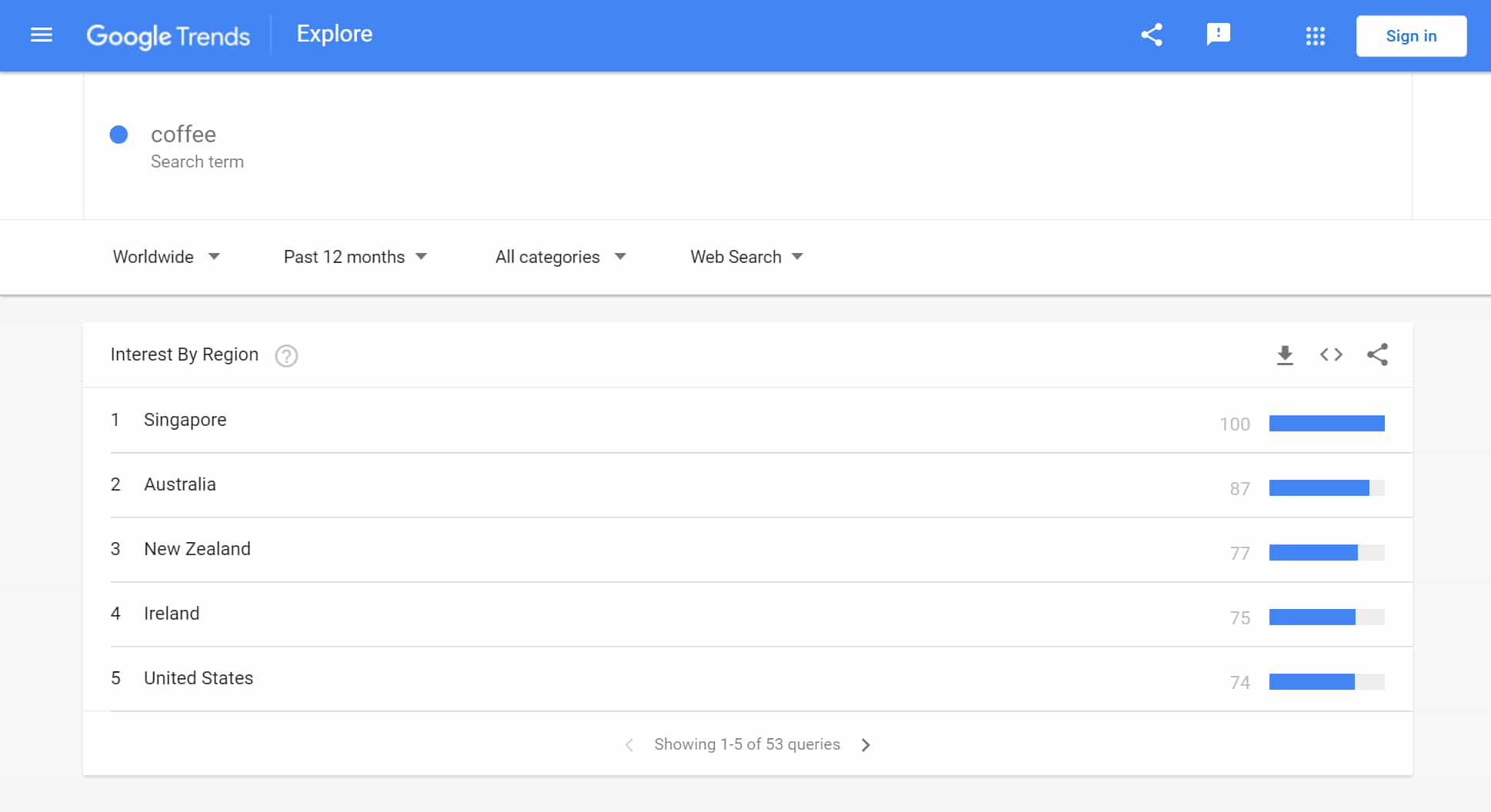
{
  "interest_by_region": [
    {
      "geo": "SG",
      "location": "Singapore",
      "max_value_index": 0,
      "value": "100",
      "extracted_value": 100
    },
    {
      "geo": "AU",
      "location": "Australia",
      "max_value_index": 0,
      "value": "87",
      "extracted_value": 87
    },
    {
      "geo": "NZ",
      "location": "New Zealand",
      "max_value_index": 0,
      "value": "77",
      "extracted_value": 77
    },
    ...
  ]
}
Example with q: coffee and region: CITY
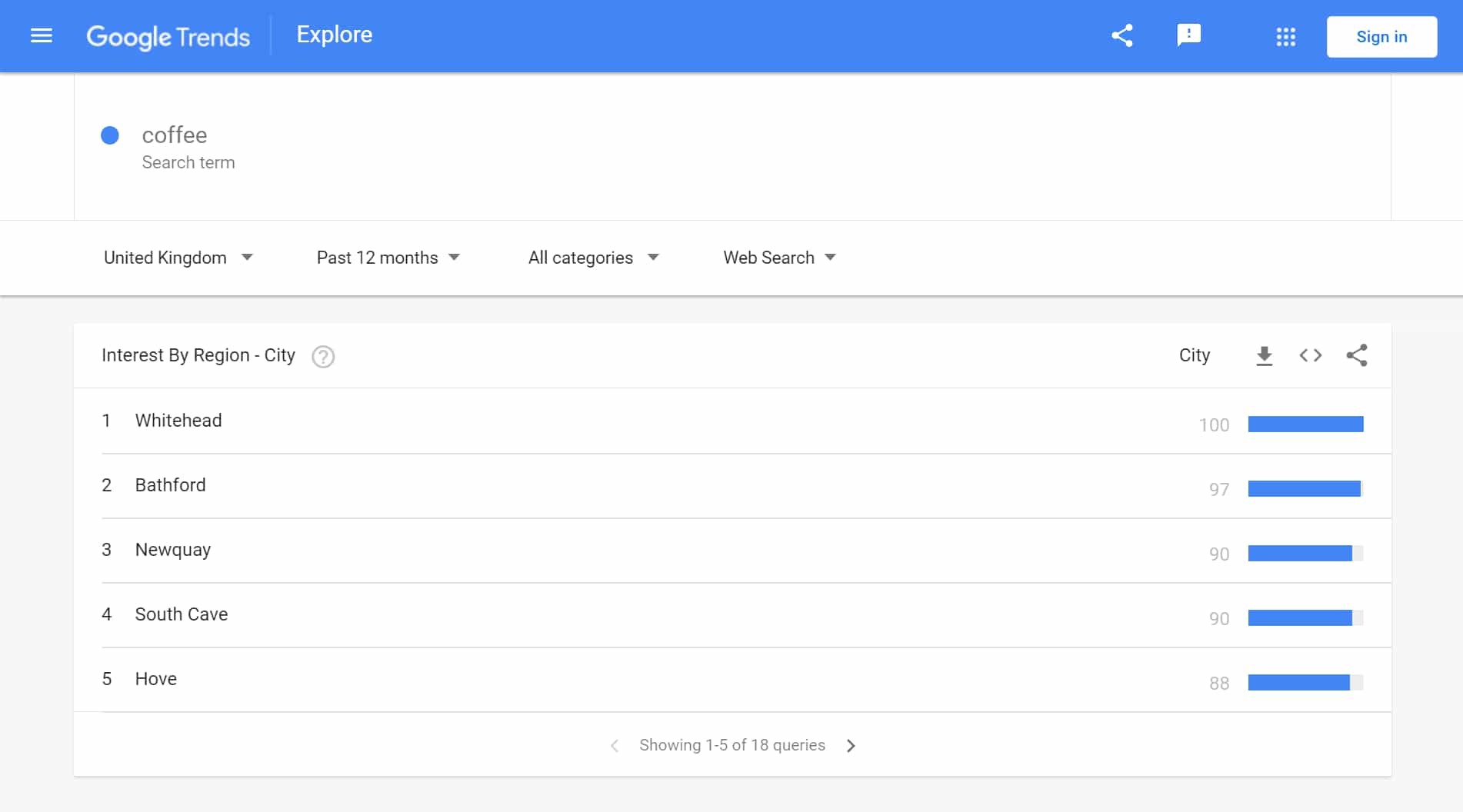
{
  "interest_by_region": [
    {
      "coordinates": {
        "lat": 54.7582068,
        "lng": -5.7115538
      },
      "location": "Whitehead",
      "max_value_index": 0,
      "value": "100",
      "extracted_value": 100
    },
    {
      "coordinates": {
        "lat": 51.397643,
        "lng": -2.299443
      },
      "location": "Bathford",
      "max_value_index": 0,
      "value": "97",
      "extracted_value": 97
    },
    {
      "coordinates": {
        "lat": 50.415497,
        "lng": -5.073719
      },
      "location": "Newquay",
      "max_value_index": 0,
      "value": "90",
      "extracted_value": 90
    },
    ...
  ]
}